
- Desktop
- Mobile
- Web
- Softphone
- AI summaries
Stay connected with your customers, from anywhere. ConnectUC is the AI-powered app for the Synergy Connect platform, available as a desktop app, a mobile app, and a web app in your browser. It works as a full-featured softphone with presence, chat, business texting, video meetings, and virtual fax built in, the things audio-only softphones leave out.
Your team makes and takes calls on your business number, sees who’s available, texts customers, meets on video, and reads AI call summaries, whether they are in the office, at home, or on the road.
Desktop, web, and mobile. Your choice.
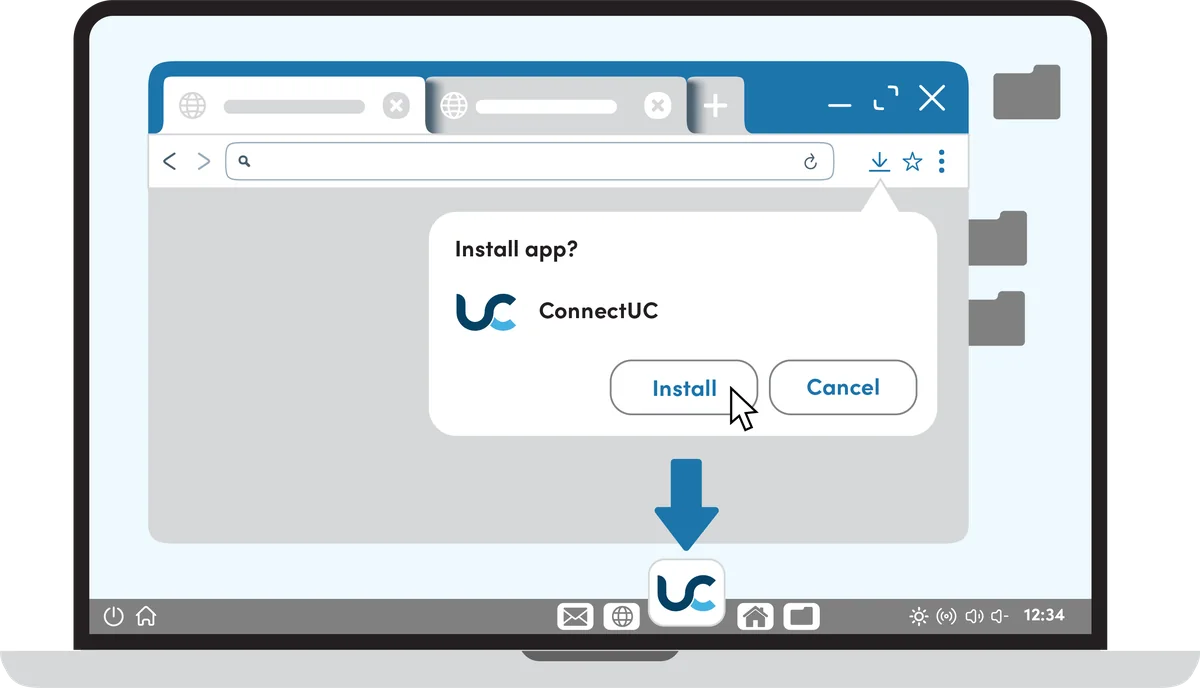
Install the ConnectUC desktop app in one click from your browser, use the web app with nothing to install, or take your business line with you on the iOS and Android app.
- Desktop app for Windows and Mac
- Web app in your browser
- Mobile app for iOS and Android
- Replace desk phones without losing features
A softphone that does far more than calls
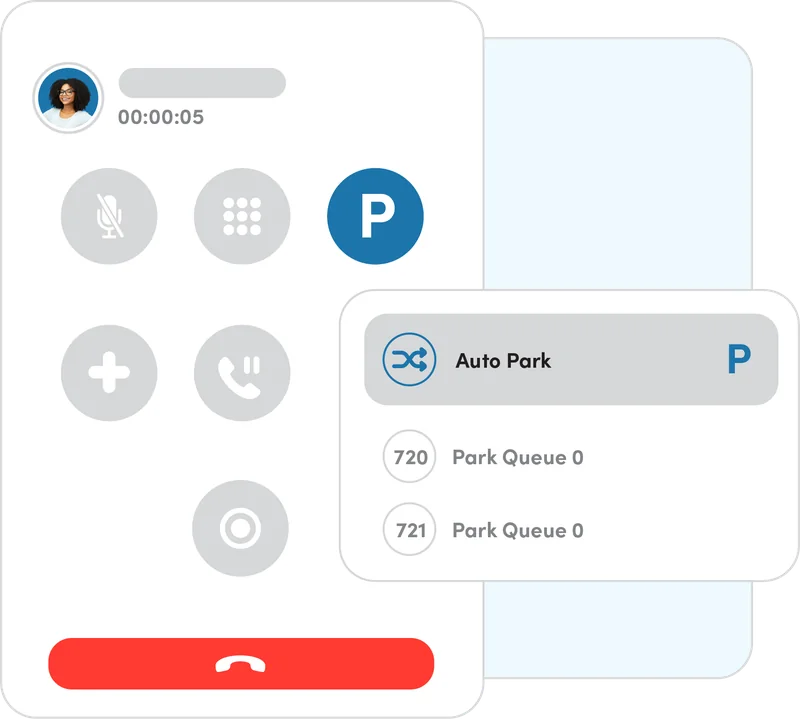
Park calls, switch devices, and manage every call without memorizing star codes.
One app for calls, texting, meetings, and fax
Rock-solid calling
Calls on your business number, with attended or unattended transfer to any contact.
Presence
See coworkers’ status before you transfer, and set custom status messages.
Chat & business texting
Team chat plus SMS and MMS, including shared SMS numbers alongside your calls.
HD video meetings
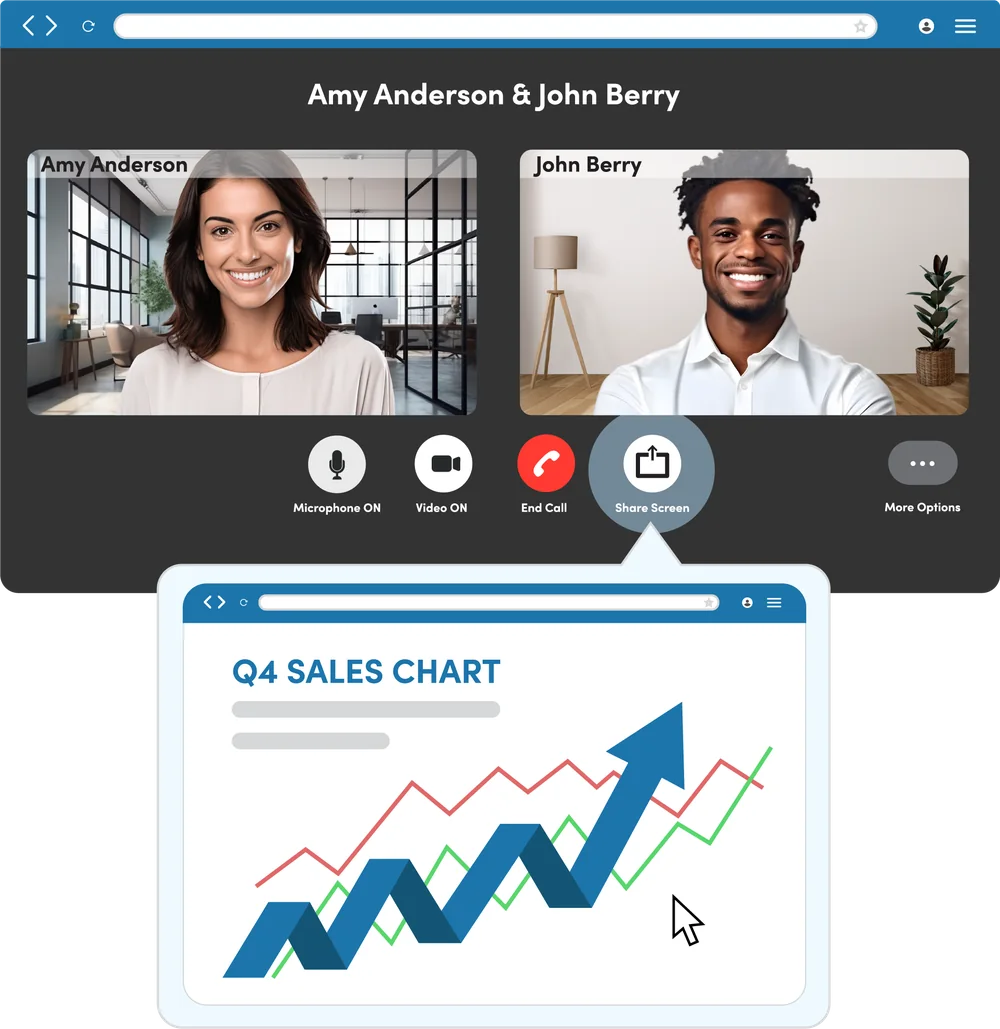
Screen sharing, subtitles, moderator controls, and interactive whiteboarding, for up to 500 attendees.
Visual voicemail
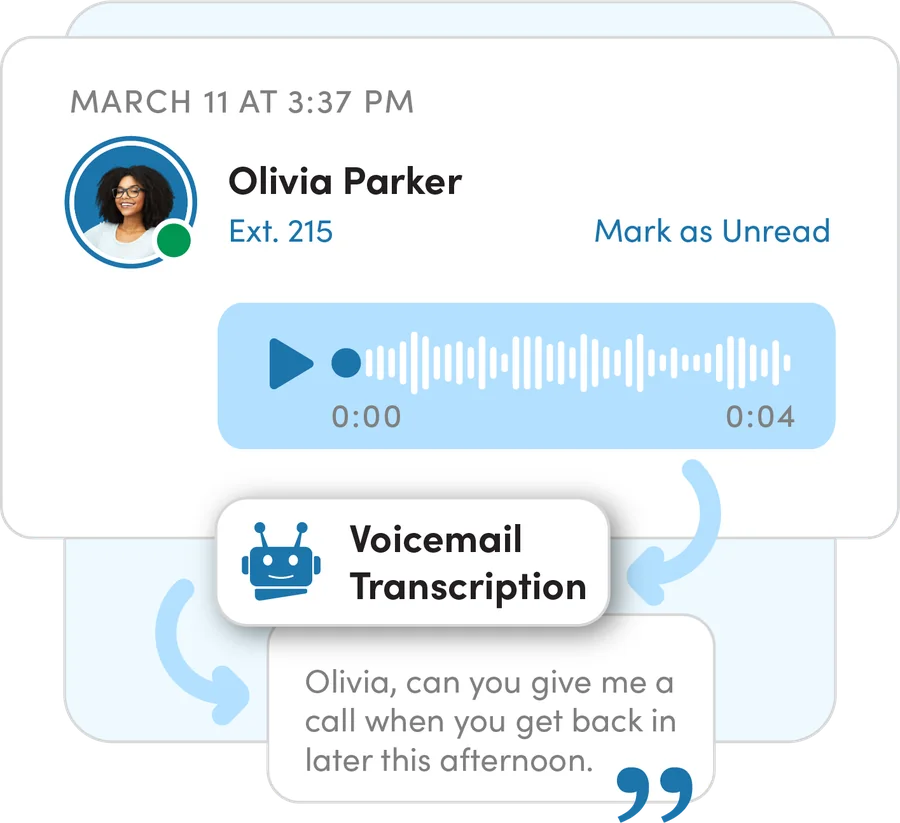
Play, delete, and download voicemails, with optional voicemail-to-text transcription.
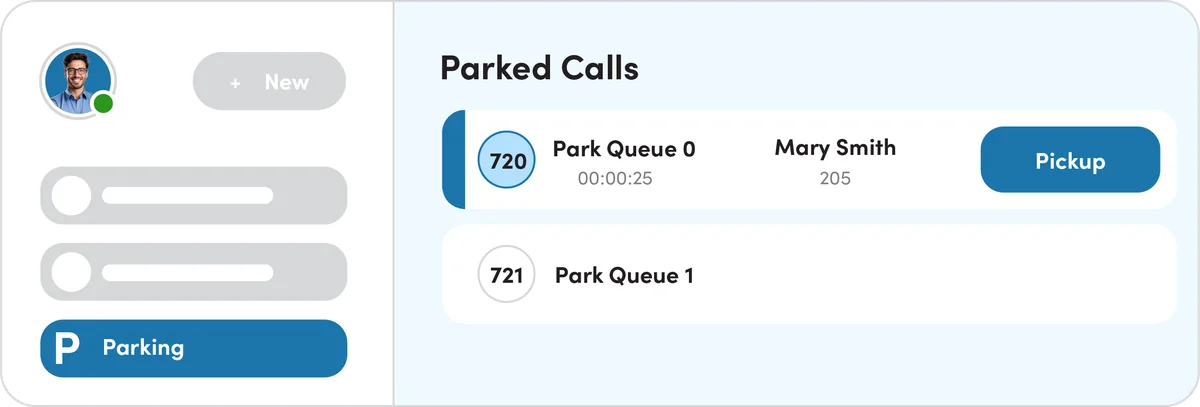
Call parking
Auto and directed call parking with an easy pickup page. No more star codes.
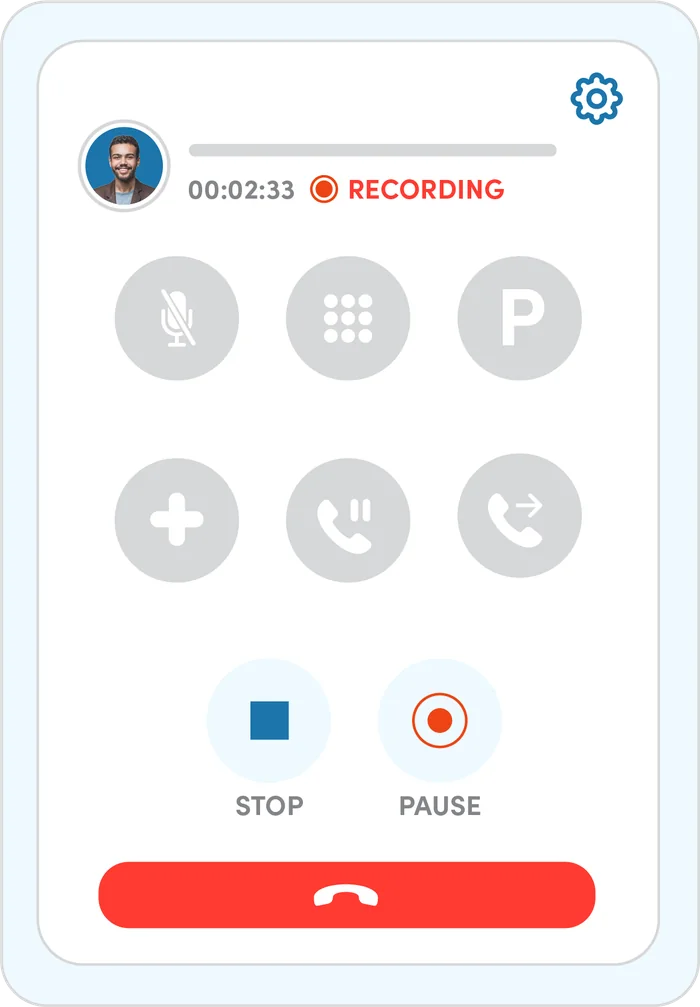
Call history & recordings
Filter recent calls by incoming, outgoing, or missed, and play or download recordings.
Contacts & CRM
Company, shared, and personal contacts, plus connections to web-based CRMs.
Virtual fax
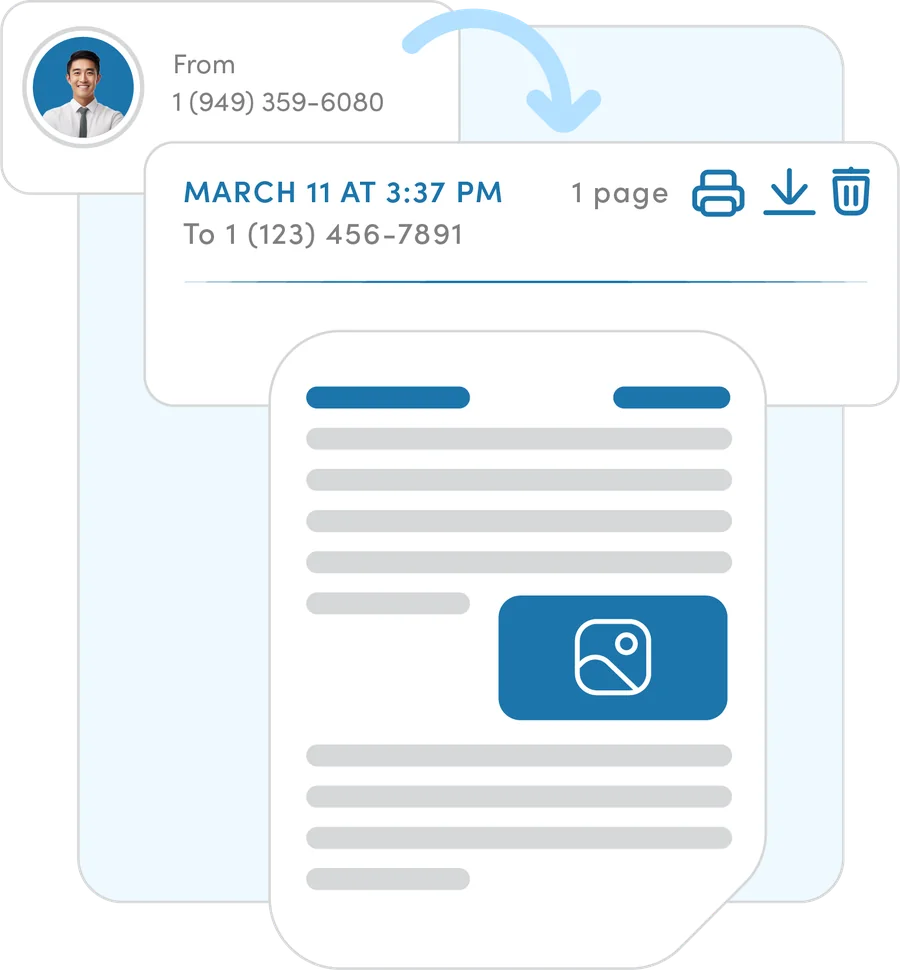
Send and receive faxes, upload files to fax, view fax history, and copy multiple users on incoming faxes.
See who’s available before you transfer
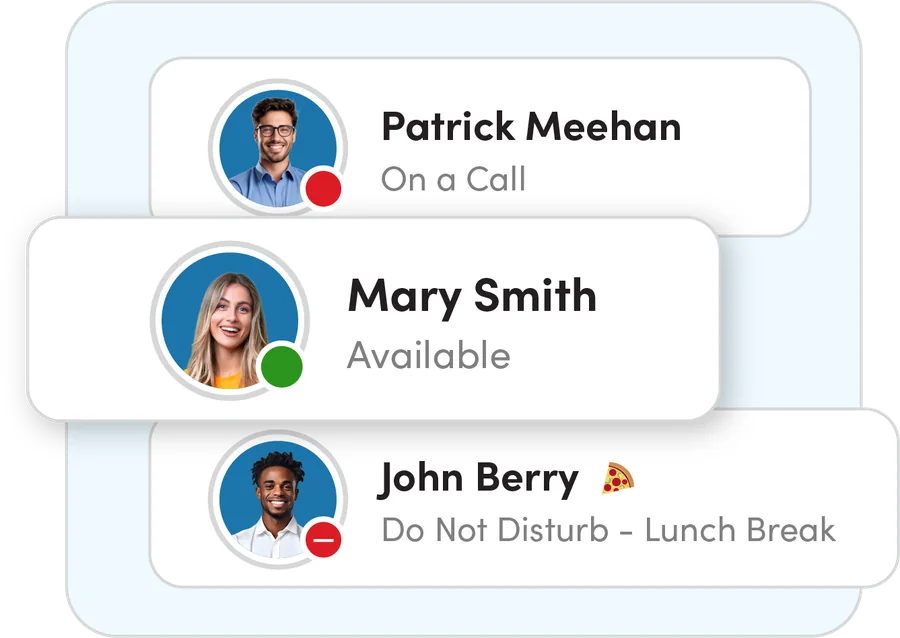
Presence shows who is on a call, available, or away, with custom messages like “Lunch break.” Hybrid teams stay connected, and callers get to the right person the first time.
Text and chat in the same app
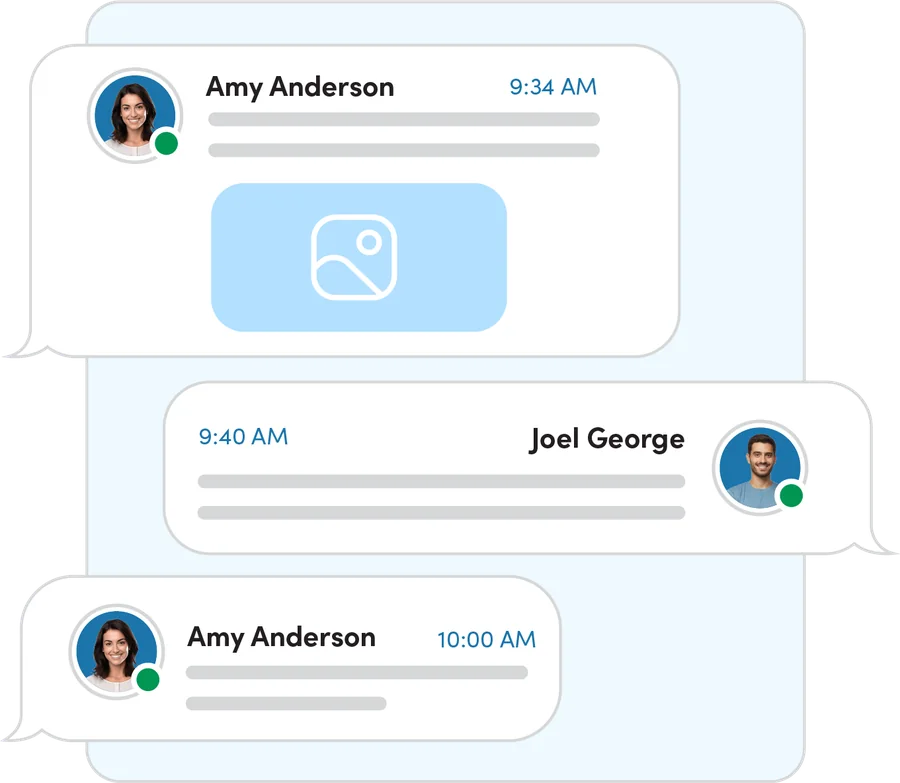
Chat with coworkers and text customers with SMS and MMS from your business number. Manage multiple SMS numbers, including shared numbers, alongside your calls.
- Team chat and business SMS/MMS
- Shared SMS numbers
- Add contacts from call history and voicemail
Meet face to face
HD video meetings with screen sharing, subtitles, moderator controls, and interactive whiteboarding, for up to 500 attendees. No separate meeting subscription.
Everything else in the app
Not sure if you need ConnectUC?
If any of these sound familiar, your business can benefit from ConnectUC.
- Do you have remote or hybrid staff who need to stay connected?
- Do you want to replace desk phones without losing features?
- Do you want AI summaries to share call notes, schedule follow-ups, and train staff?
- Are you juggling separate logins for calls, texting, fax, and meetings?
Up and running without the headache
We review your setup
A UC Specialist looks at your current service, your bills, and how calls move through your office.
We build it and port your numbers
We configure everything, set up your devices and apps, and schedule the number port so callers never notice the switch.
Go live with 24/7 support
We train your team and stay on call around the clock, with AI agents answering after hours.
Who it’s for
Built for offices where every call matters, anywhere in the U.S.
Pairs well with
Frequently asked questions
Which devices does ConnectUC run on?
Windows and Mac computers (desktop app), any modern web browser (web app), and iOS and Android smartphones (mobile app).
Will customers see my personal cell number?
No. Calls and texts from ConnectUC show your business number.
Can I use it alongside a desk phone?
Yes. Your extension can ring your desk phone, computer, and mobile app at the same time, and you can switch a call between devices.
Does it work with our CRM?
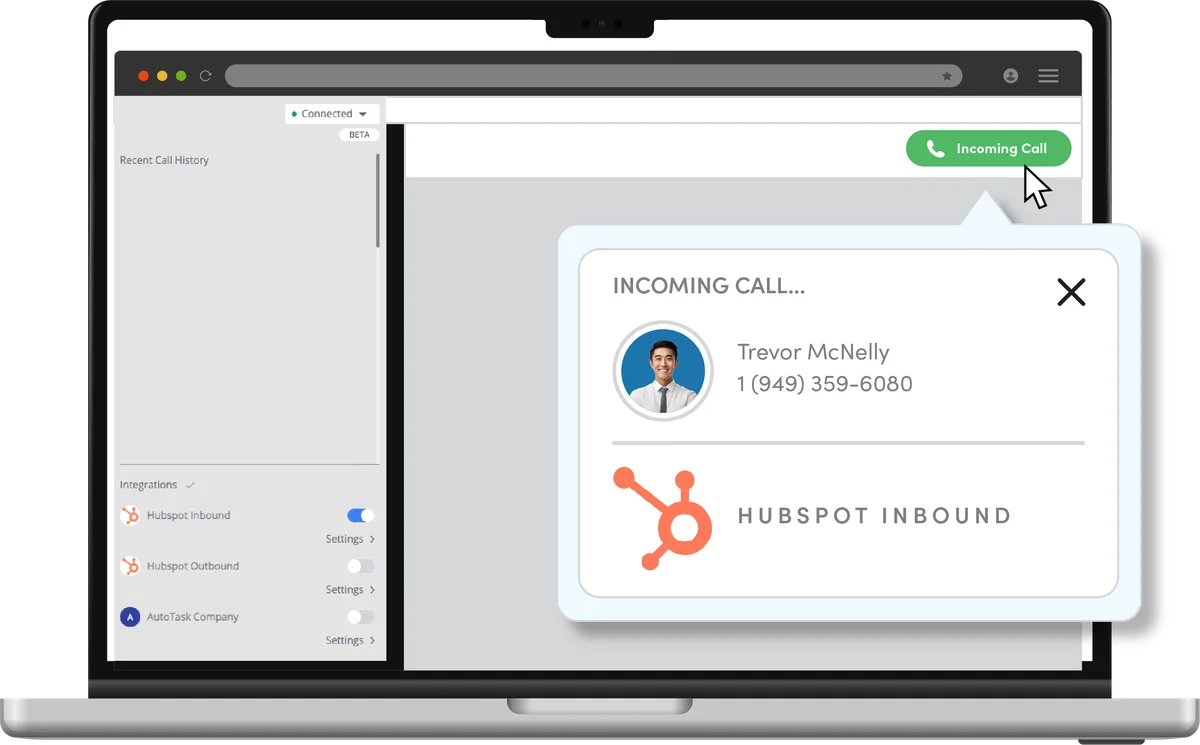
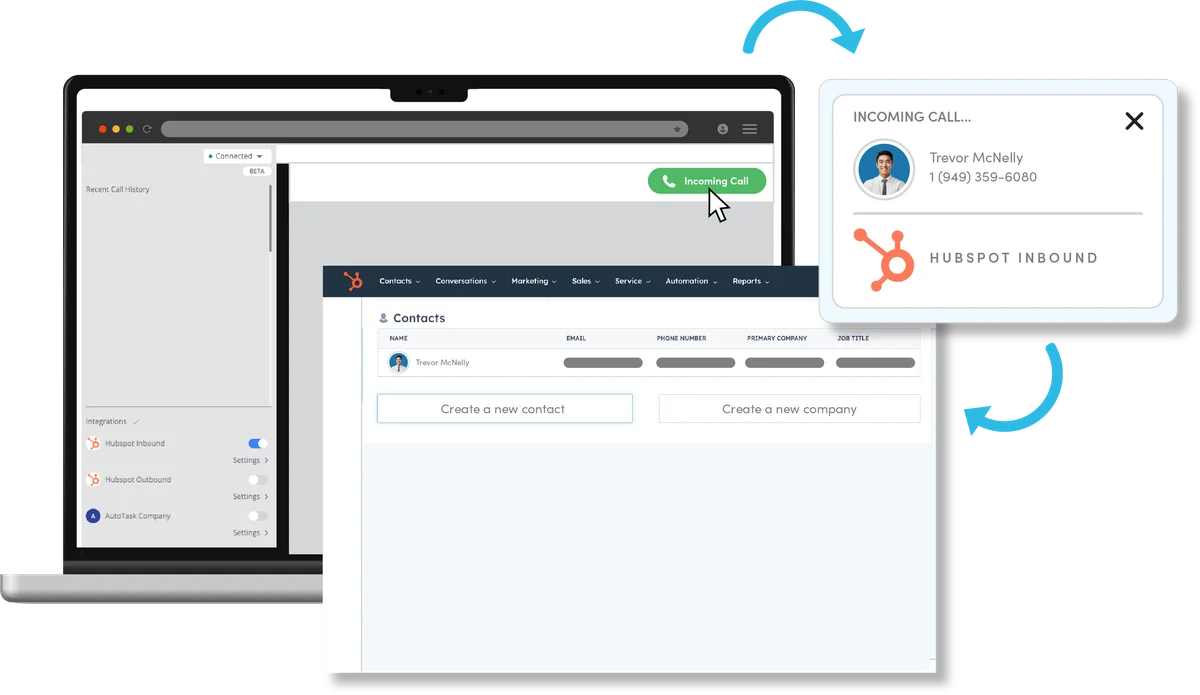
Yes. ConnectUC connects to web-based CRMs, and WebPop can open the caller’s record when a call comes in. Ask us about your CRM.
Does it include AI?
Yes. Calls can be transcribed with AI summaries that list key decisions and action items, ready to share with your team.
Can I fax from the app?
Yes. Virtual fax lets you send and receive faxes, upload files to fax, and view your fax history.
Get a quote built around your business.
No confusing packages and no paying for extras you won’t use. Talk to a UC Specialist, or send us a few details and we’ll follow up with a free telecom audit and a no-obligation quote.